Home > Apps > Auto & Vehicles > KEBA eMobility App
Easily operate and manage your KEBA wallbox using the KEBA eMobility App.
The KEBA eMobility App provides digital services for KeContact P30 & P40 users (including P40, P30 x-series, company car wallbox, PV EDITION, and P30 c-series). Through the app, you can communicate with, manage, and configure your charging station, giving you full control over your wallbox.
What you can do with the KEBA eMobility App:
- Remotely communicate with your wallbox from anywhere (communication with KeContact P30 c-series is still handled via the local network).
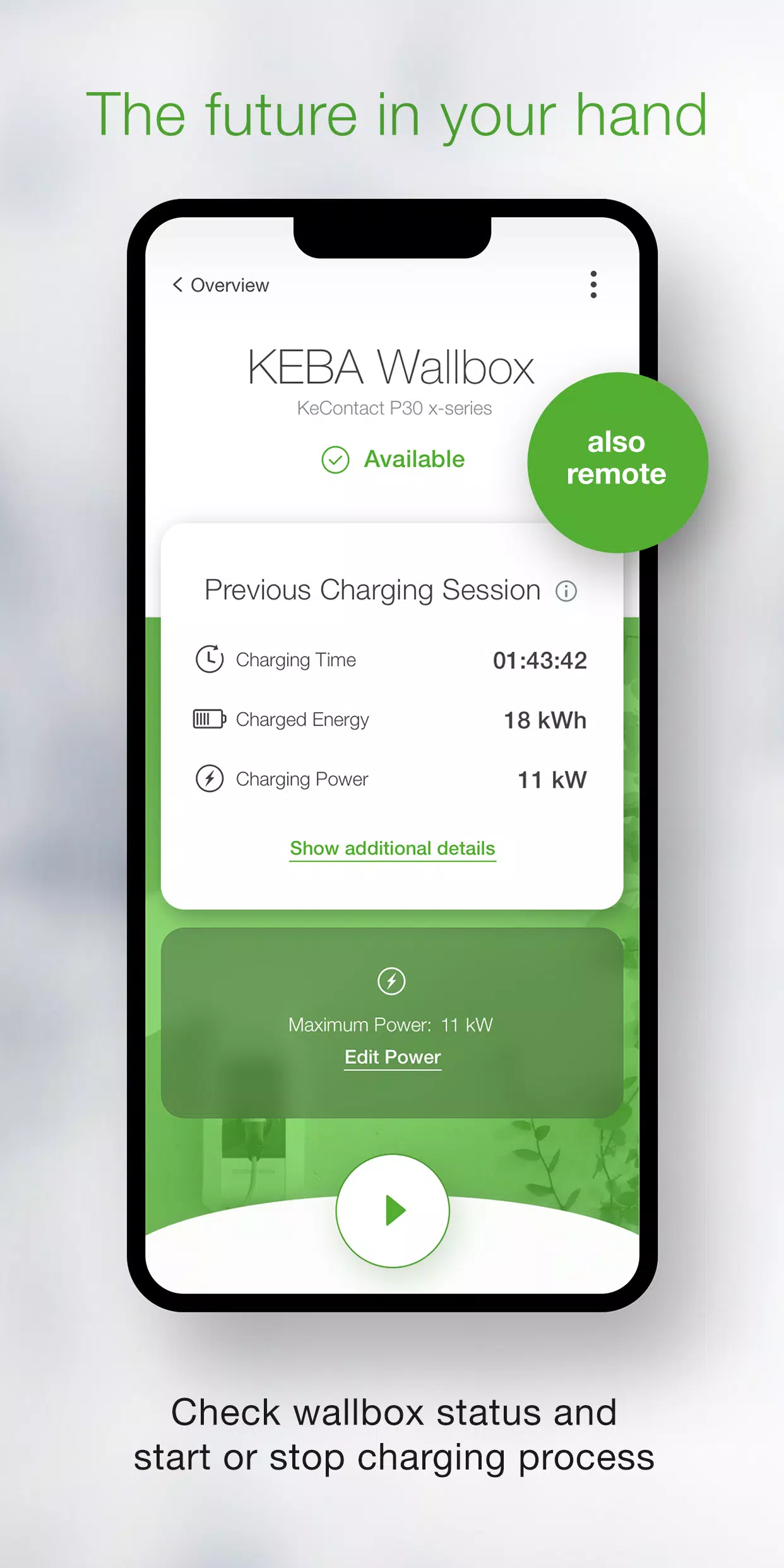
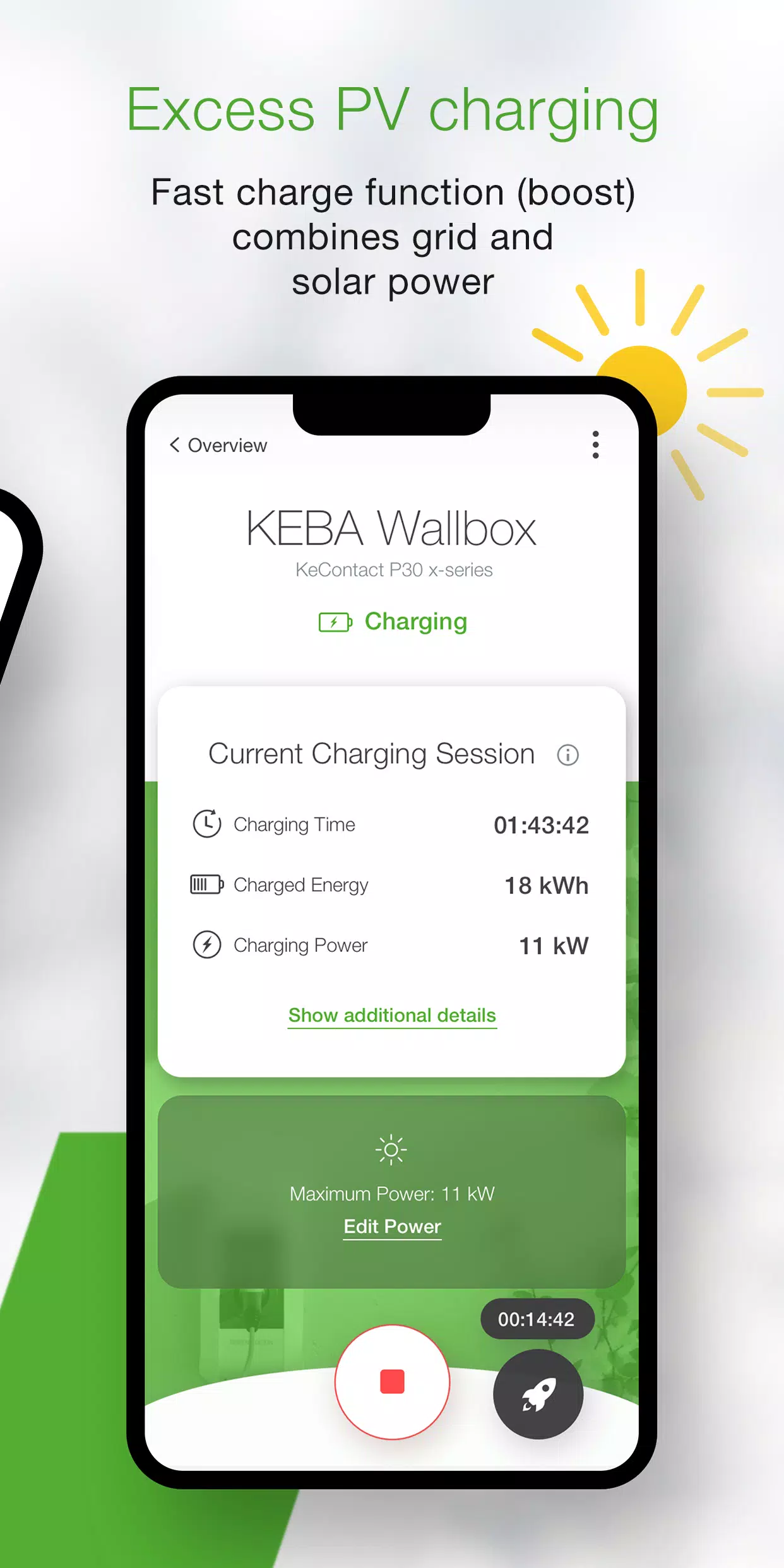
- View the current status of your wallbox: Is it charging? Ready to charge? Offline? Or experiencing an error?
- Start and stop charging sessions with a single tap.
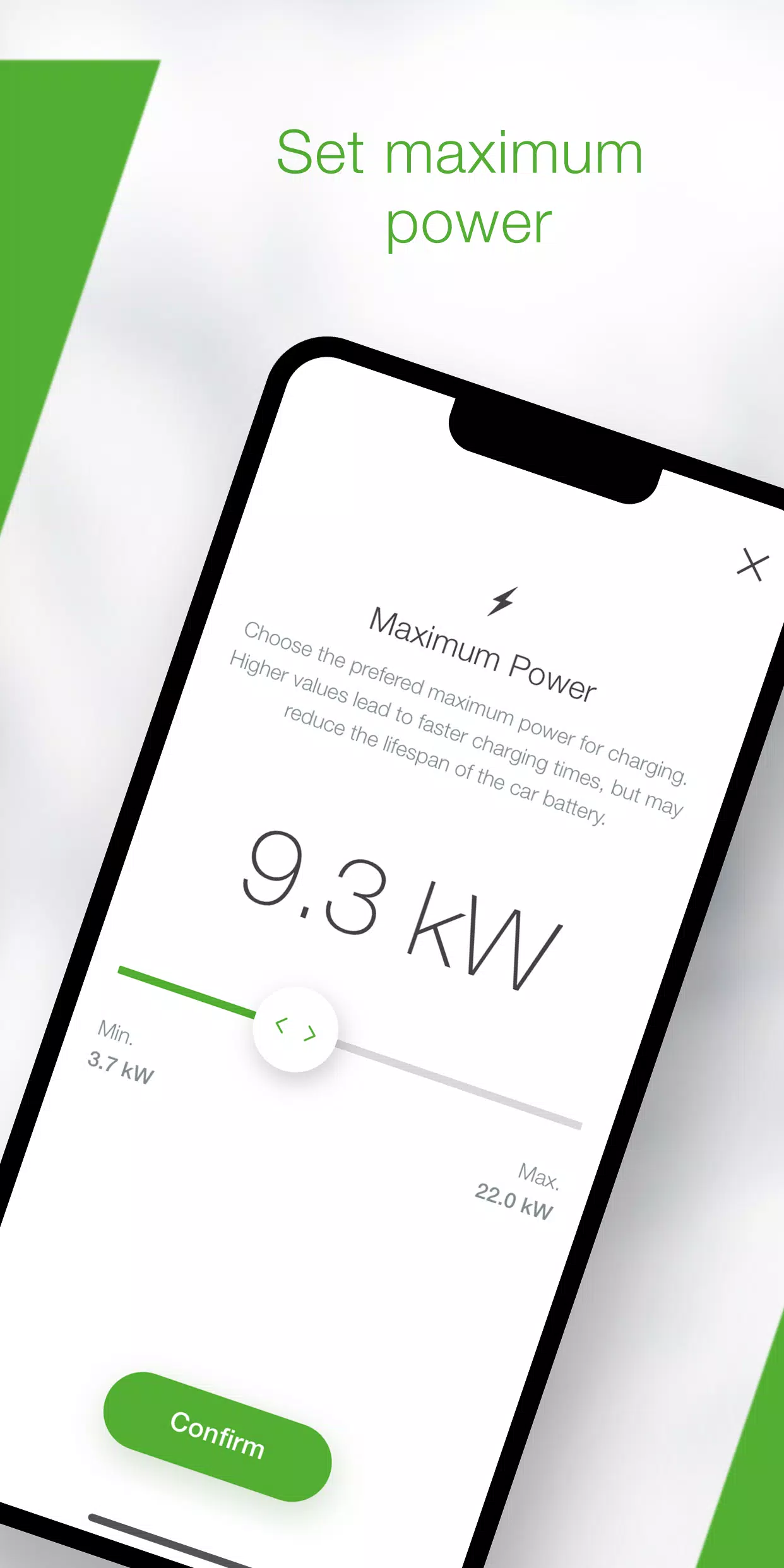
- Adjust the maximum charging power to control your vehicle's power consumption and charging time.
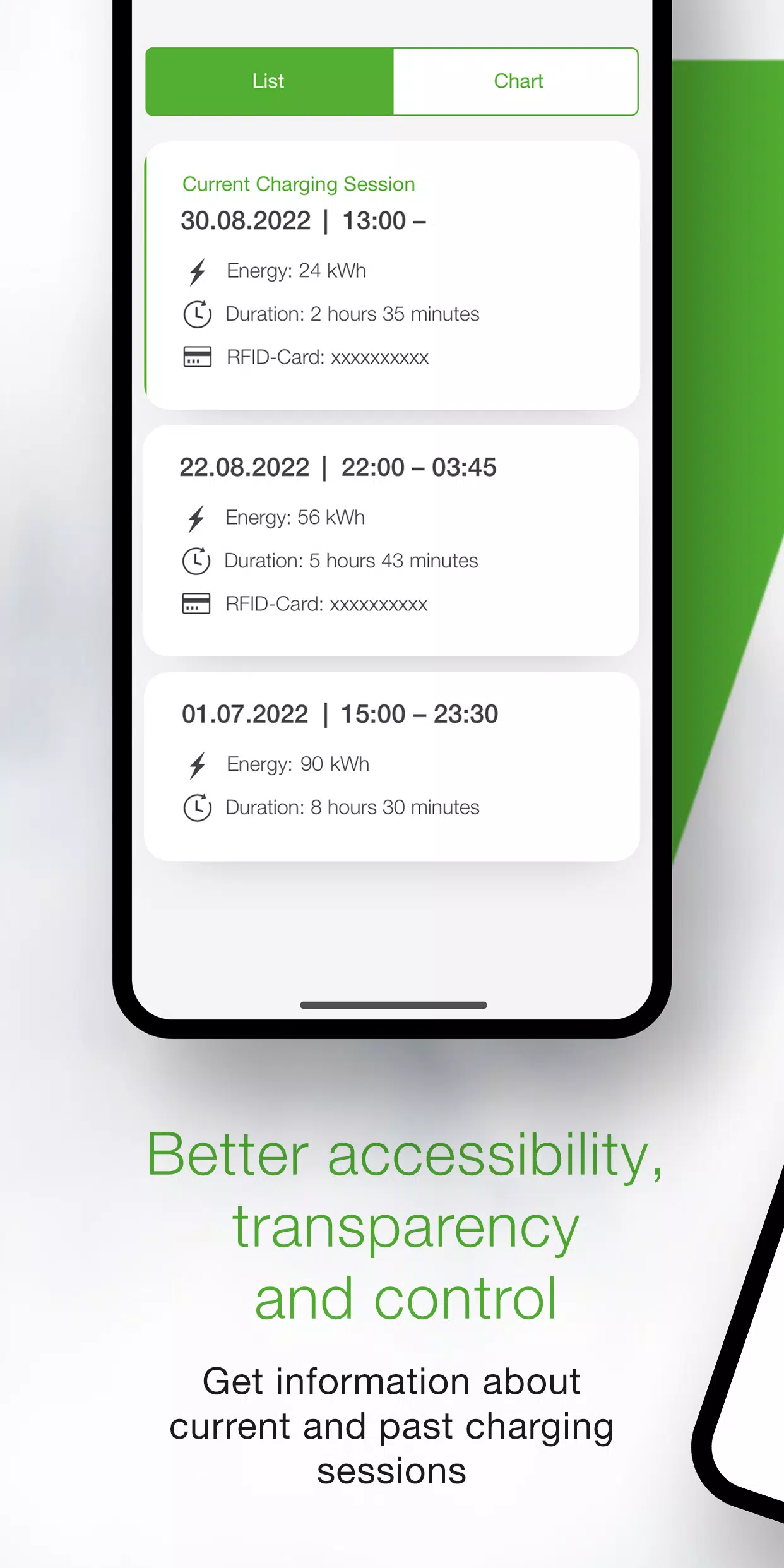
- Monitor live charging details (time, energy, power, amperage, etc.) in real time and review past sessions in the app history.
- View your previous energy consumption data in the statistics section.
- Use the in-app setup guide to verify compatibility and connect your wallbox for the first time.
- Follow the installer mode for step-by-step setup and configuration of your P40 wallbox.
- Schedule automatic start/stop charging times and predefined maximum power using power profiles (configurable via the KEBA eMobility Portal for P40, P30 x-series, company car wallboxes, and PV EDITION).
- Keep your wallbox up to date by enabling automatic software updates via the app (not available for stand-alone KeContact P30 c-series).
- For x-series users, access all configurations previously available through the web interface (only for KeContact P30 x-series).
Compatible KEBA wallbox models:
- KeContact P40, P40 Pro, P30 x-series, company car wallbox, PV EDITION
- KeContact P30 c-series (no firmware update required to use the app)
Wallboxes managed by Charge Point Operators may not support app functionality, especially if you lack the web-interface password or serial number.
When connected to a KeContact P30 c-series, not all app features are available compared to the x-series. A full feature comparison by series is available at www.keba.com/emobility-app.
Already using the KEBA eMobility Portal? Register in the app or portal to unlock all features and benefits on the browser-based portal: emobility-portal.keba.com
Important information for electrical installers:
- DIP switch settings on the P30 wallbox must still be configured manually.
- Configurations available in the P30 web interface can also be applied via the app.
- For KeContact P30 c-series, DIP switch configuration is required to enable full UDP communication (as described in the setup guide).
- Basic KeContact P40 settings can be configured through the KEBA eMobility App or directly on the device.
What's New in Version 3.10.0
Last updated on Nov 12, 2024
P40: Wallbox software version 1.1.0 is now available
P40: Perform a factory reset of your wallbox directly from the app
P40: Resolved issue causing a blank screen when using the app offline
P40: Corrected OCPP communication channel options in the settings menu
P40: Fixed authentication errors when an incorrect password was entered
P40: Resolved Bluetooth connection issues for previously paired wallboxes
Improved usability and stability of wallbox enrollment processes
Additional Game Information
Latest Version3.10.0 |
Category |
Requires AndroidAndroid 9.0+ |
Available on
|

KEBA eMobility App Screenshots




Top Download
More >



Trending apps
-

- Shopee TW
- 4.2 Photography
- Shopee TW, the Taiwanese branch of the popular Shopee e-commerce platform, provides a vast selection of goods encompassing electronics, apparel, home furnishings, and beauty products. Users can explore diverse categories, benefit from exclusive promotions, and participate in flash sales. The platf
-

- EL PAÍS
- 4.2 News & Magazines
- Experience the world through the lens of EL PAÍS, a globally renowned magazine boasting over 65 million subscribers. This app delivers a comprehensive news and entertainment experience, featuring in-depth reporting, innovative storytelling, and unparalleled access. Explore a vast library of article
-

- Gradient: AI Photo Editor
- 4 Photography
- Welcome to Gradient: AI Photo Editor, the ultimate app designed to unleash your creativity and transform your photos and videos in ways you never imagined. Powered by state-of-the-art AI technology, our app provides a wide range of innovative features that will both amaze and inspire you. Discover y
-
- BanFlix
- 4.1 Lifestyle
- In today's world of ever-increasing entertainment demands, accessing high-quality content is simpler than ever thanks to technological advancements. BanFlix APK delivers a premium global entertainment experience. Here's What You'll Find in This Application: Diverse server optionsHigh-speed download
-

- Chatiw! Meet,Chat & Dating
- 4.1 Communication
- Chatiw is a free chat platform connecting you with strangers in chat rooms. Message anyone directly—no friend requests needed. Discover diverse cultures and languages, and chat with singles worldwide without registration. Explore Chatiw's Outstanding Features! Free Mobile Chat: Seamless Conversati
-

- Duolingo
- 4.3 Education
- The **Duolingo APK**, developed by Duolingo Inc., stands as a premier choice for language learning, transforming your Android device into a hub of linguistic diversity. Directly accessible through Google Play, Duolingo offers an interactive learning experience tailored to the dynamic lifestyles of t
Latest APP
-

- Tyresure NFC
- 4.4 Auto & Vehicles
- TyreSure NFC-Enabled TPMS Sensor Programmer App Fundamentals Superfast ConfigurationConfigure a Hybrid NFC sensor with a single tap. It’s as quick and easy as making a contactless payment. Zero InterferenceNo need to worry about distur
-
- Генератор номеров
- 5.0 Auto & Vehicles
- Test your fortune and eliminate the thieves' quota in the refreshed clicker game! This is an upgraded iteration of the most straightforward number-generating clicker. It now features enhanced visuals, animations, special effects, a diverse collection
-

- OBD WiFi Connect
- 3.4 Auto & Vehicles
- This application facilitates connecting your Remote VCI to your workshop's Wi-Fi network. Specially engineered for this purpose, the app guides you through linking your Remote VCI to the local wireless connection. It offers a clear, step-by-step proc
-
- E-CAR Gọi xe ô tô điện
- 4.3 Auto & Vehicles
- E-CAR: Your eco-friendly electric vehicle booking app. Green, affordable, and hassle-free travel solutions.E-CAR | Vietnam's leading rental platform for motorbikes and electric vehicles, including 5-seaters and 7-seatersVisit us at: https://e-car.vn-
-

- 현대/제네시스 인증중고차
- 3.9 Auto & Vehicles
- Crafted by Hyundai, Trusted by You. Hyundai Certified offers a reliable and transparent pre-owned vehicle program backed by Hyundai Motor Company's expertise.Crafted by Hyundai, Trusted by You. Hyundai CertifiedA trustworthy used car certification pr
-

- Park+
- 5.0 Auto & Vehicles
- Enjoy hassle-free unlimited parking, FASTag purchases & recharges, instant vehicle challan checks, RTO services, and mParivahan accessPark+ is India's leading vehicle super app, trusted by 10 million+ car owners. Manage every automotive need effortle
-

- Go Green City
- 3.8 Auto & Vehicles
- GGC delivers smart, on-demand e-mobility solutions across Switzerland. Drive intelligently. Travel safely. Embrace sustainability. We collaborate with municipalities to create smart mobility ecosystems that champion energy conservation. That's why o
-
- RHG ENERTÜRK
- 4.0 Auto & Vehicles
- RHG Enertürk EV Charger AppRHG Enertürk EV Charging ApplicationWhat's New in the Latest Version 4.21.0Last updated on Nov 10, 2024This version includes bug fixes and performance improvements for a better experience. We continue working on new feature
-

- Bus marshrutochka.bel
- 4.5 Auto & Vehicles
- Ticket Booking Application Book passenger transport tickets for routes: Minsk–Smorgon–Ostrovets and Minsk–Oshmyany–Ostrovets What's New in the Latest Version 1.0.1Last updated on Nov 10, 2024Minor bug fixes and performance enhancements. Install o